Data Integration Platforms in 2026: 10 Options Compared
Compare 10 data integration platforms by category, from cloud ELT to hybrid and governance suites, with criteria for matching tools to your requirements.
You inherit six disconnected source systems on a Monday. Finance needs a consolidated report at month end, operations wants fresher numbers than a spreadsheet export can give, and someone in leadership asks for a budget forecast before anyone has measured how much data changes each day. That's where most selections of Data Integration Platforms go wrong. Teams line up a managed loader against an enterprise governance suite against an application integration platform, compare connector counts, and pick the longest feature list. Those tools aren't solving the same job.
Sort by job first. Cloud-native pipelines build and orchestrate movement inside one cloud estate. Managed replication loads a warehouse with minimal engineering. Hybrid and application integration connects operational systems and APIs, not just analytics targets. Governance-heavy suites add quality, lineage, and stewardship on top of movement. Then test every candidate against the same four questions: who owns the pipelines after go-live, how predictable is pricing at your real volume, where must data physically run, and what does maintenance cost when schemas change.
Scale alone won't answer those questions. One estimate in the Market Research Future data integration market report valued the market at approximately USD 14.18 billion in 2025 and projected USD 35.48 billion by 2035. Growth tells you the category matters. Category fit tells you whether a specific tool survives production.
1. Microsoft Fabric Data Factory
If your analytics already live in Microsoft's estate, start here and make other vendors beat it. Microsoft Fabric Data Factory combines visual pipelines and data movement inside Fabric, alongside OneLake, Power BI, and the other Fabric workloads your analysts may already use daily. That proximity matters more than a connector spreadsheet. Data lands where reports are built, permissions follow the workspace model, and your team isn't stitching together separate products for ingestion, storage, and presentation.
The service connects to cloud, multicloud, and hybrid sources, including on-premises systems reached through gateways. For an engineering or manufacturing firm with an ERP on a local server and reporting in Power BI, that hybrid reach is the practical requirement, not a nice extra.
Best Fit and Watch-Out
Best fit: You're building a new Microsoft analytics stack and want pipelines, lakehouse storage, and reporting under one capacity and security model. One team can own the whole path from source to dashboard.
Watch-out: Consumption ties to Fabric capacity shared with other workloads. A heavy reporting month and a heavy pipeline month compete for the same pool, so you need capacity monitoring from day one, plus agreement on who throttles what. Budget owners also have to learn the broader workspace and capacity model, not just pipeline pricing. If you can't get that shared-cost conversation settled internally, the technical fit won't save you.
2. Azure Data Factory
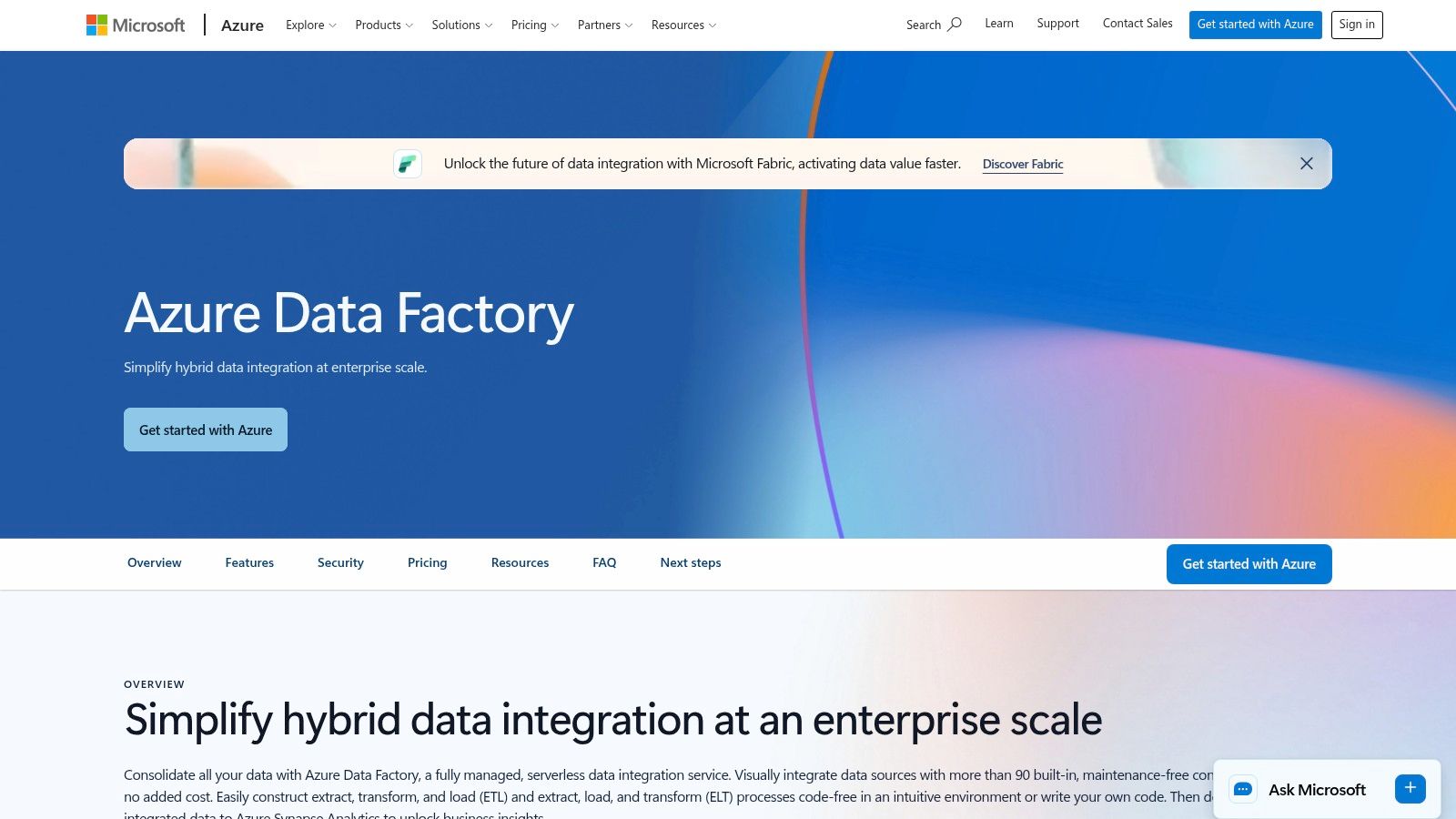
Plenty of production estates still run on Azure Data Factory, and ripping them out for fashion reasons wastes money. ADF is Microsoft's managed service for pipeline orchestration and copy activities across cloud and on-premises systems. Its self-hosted integration runtime is the piece that matters for hybrid work. It sits inside your network boundary and reaches systems that can't be exposed to the public internet, which is exactly the constraint plants and regulated engineering environments live with.
Monitoring and cost management use standard Azure tooling, so a team that already runs Azure subscriptions doesn't need a new operational playbook. Consumption-based charging also suits uneven workloads, such as a nightly ERP load plus a large month-end reconciliation.
Best fit: You have established ADF pipelines, staff who know them, and hybrid sources that must stay on-premises. Stability and known operating patterns beat novelty.
Watch-out: Costs accumulate across activity runs, runtime, data movement, and connected services, so a single pipeline estimate rarely matches the invoice. Model a full month, including storage and compute downstream. And if you're designing a brand-new Microsoft analytics stack rather than extending an existing one, compare ADF directly against Fabric Data Factory before committing. Microsoft positions Fabric as the direction for newer integration development, and building fresh work on the older pattern needs a deliberate reason.
3. Informatica Intelligent Data Management Cloud
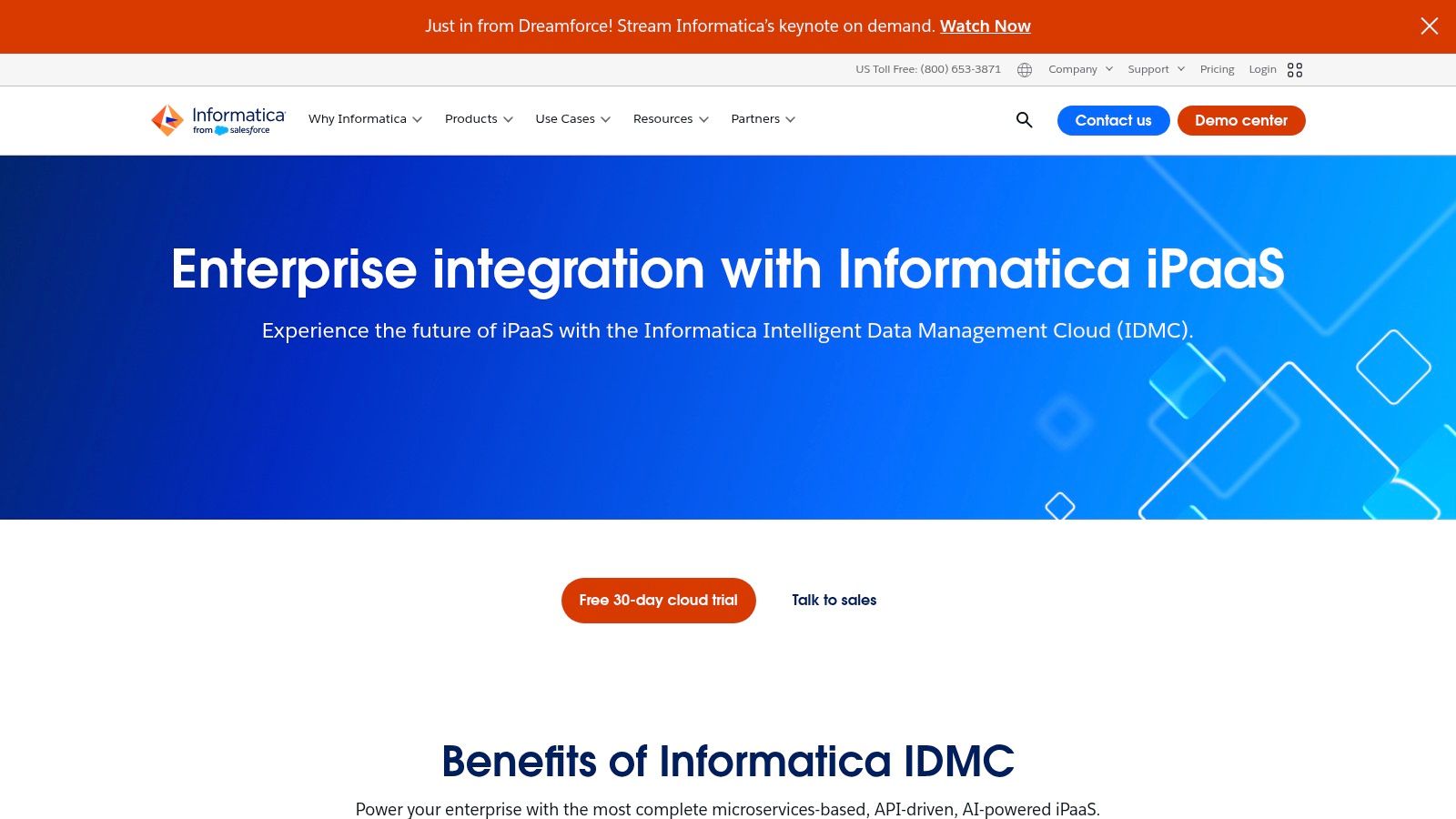
Buy Informatica Intelligent Data Management Cloud when moving data is only half the problem. IDMC packages cloud data integration with governance, data quality, and master data management, so it fits estates where auditors ask who touched a record, where definitions conflict across departments, and where a bad customer or part master creates downstream chaos. That breadth is the point. It is also the risk.
Pricing runs on consumption-based Informatica Processing Units, or IPUs, with usage monitoring and consumption-threshold alerts to track burn. In practice, that means finance can't approve this from a pricing page. You need a worked estimate of which services you'll run, at what volume, converted into IPU consumption over a representative quarter.
Practical rule: If nobody in the room can name the governance, quality, or master data requirement in one sentence, you don't need a suite yet. You need a loader and discipline.
Best fit: A large, regulated organization consolidating integration and related data management under one vendor, with staff to administer it properly.
Watch-out: Smaller teams buying IDMC for a handful of pipelines pay suite complexity for loader work. The platform rewards organizations that use its breadth and punishes those that don't, because administration, training, and IPU forecasting become permanent overhead either way.
4. Boomi Enterprise Platform
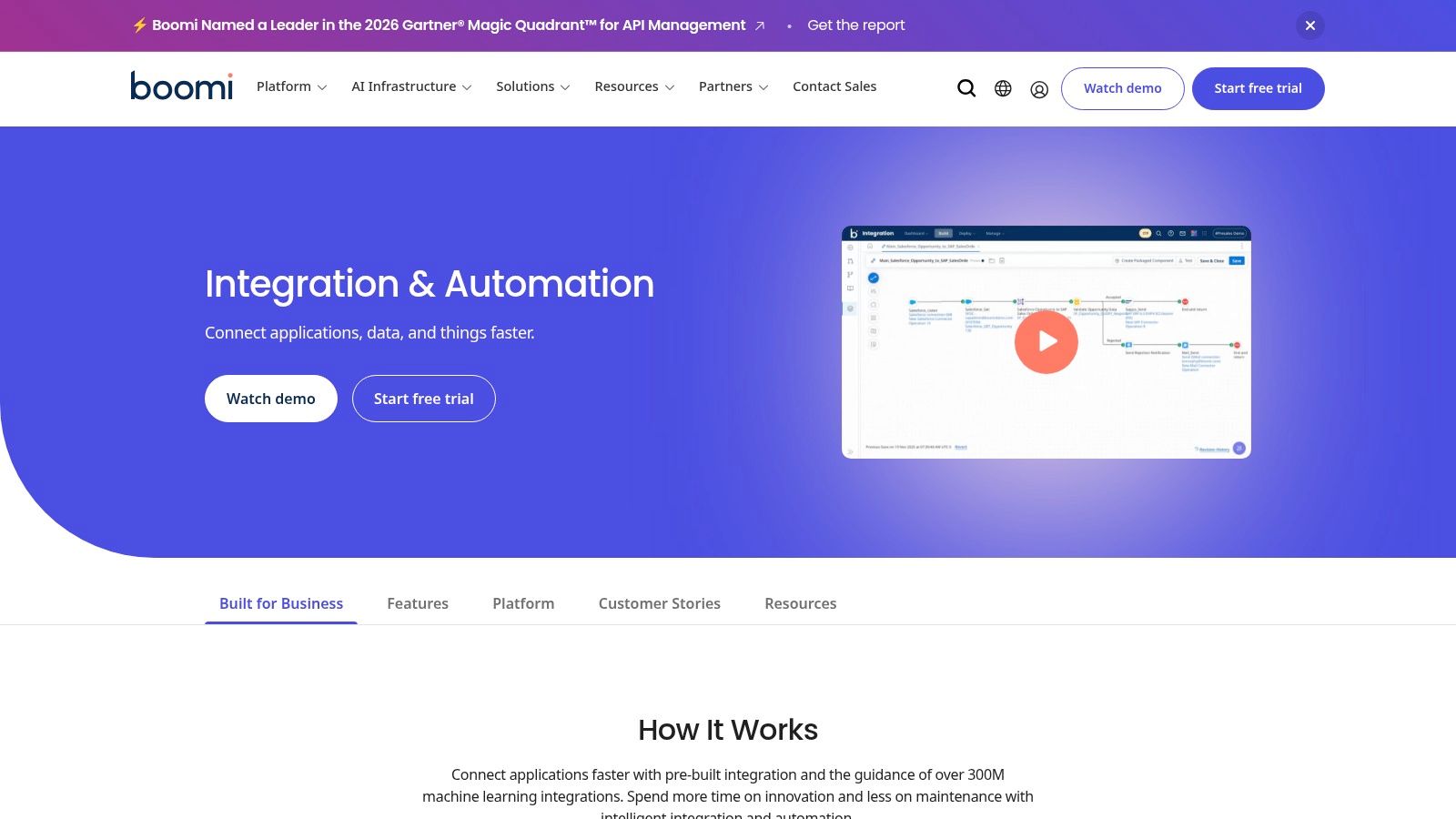
Say your real problem isn't the warehouse. It's orders moving between an ERP and a CRM, EDI documents arriving from trading partners, and an API layer nobody wants to hand-build. That's the job Boomi Enterprise Platform is hired for. Boomi connects applications, APIs, data, and operational systems with low-code development and prebuilt connectors, and it supports hybrid deployment so processes can run near systems that stay on-premises.
Optional capabilities for API management, EDI, and data hub services mean one platform can cover several operational integration patterns. For a manufacturer juggling supplier EDI and internal application syncs, consolidating those patterns has real support value. One team learns one runtime, one monitoring view, one vendor escalation path.
- Entry point: Boomi lists a 30-day free trial and a pay-as-you-go option, which lowers evaluation risk.
- Ownership fit: Low-code tooling lets integration specialists, not only software engineers, build and maintain flows.
Best fit: Varied operational systems across cloud and on-premises, where application-to-application processes matter as much as analytics loads.
Watch-out: The published entry price won't represent a production deployment with multiple environments, higher throughput, and add-on capabilities. Get the full edition and usage picture quoted against your process list. Also, if your only requirement is loading a warehouse for reporting, Boomi's breadth adds surface area you won't use. A managed loader will be simpler to own.
5. Qlik Talend Cloud
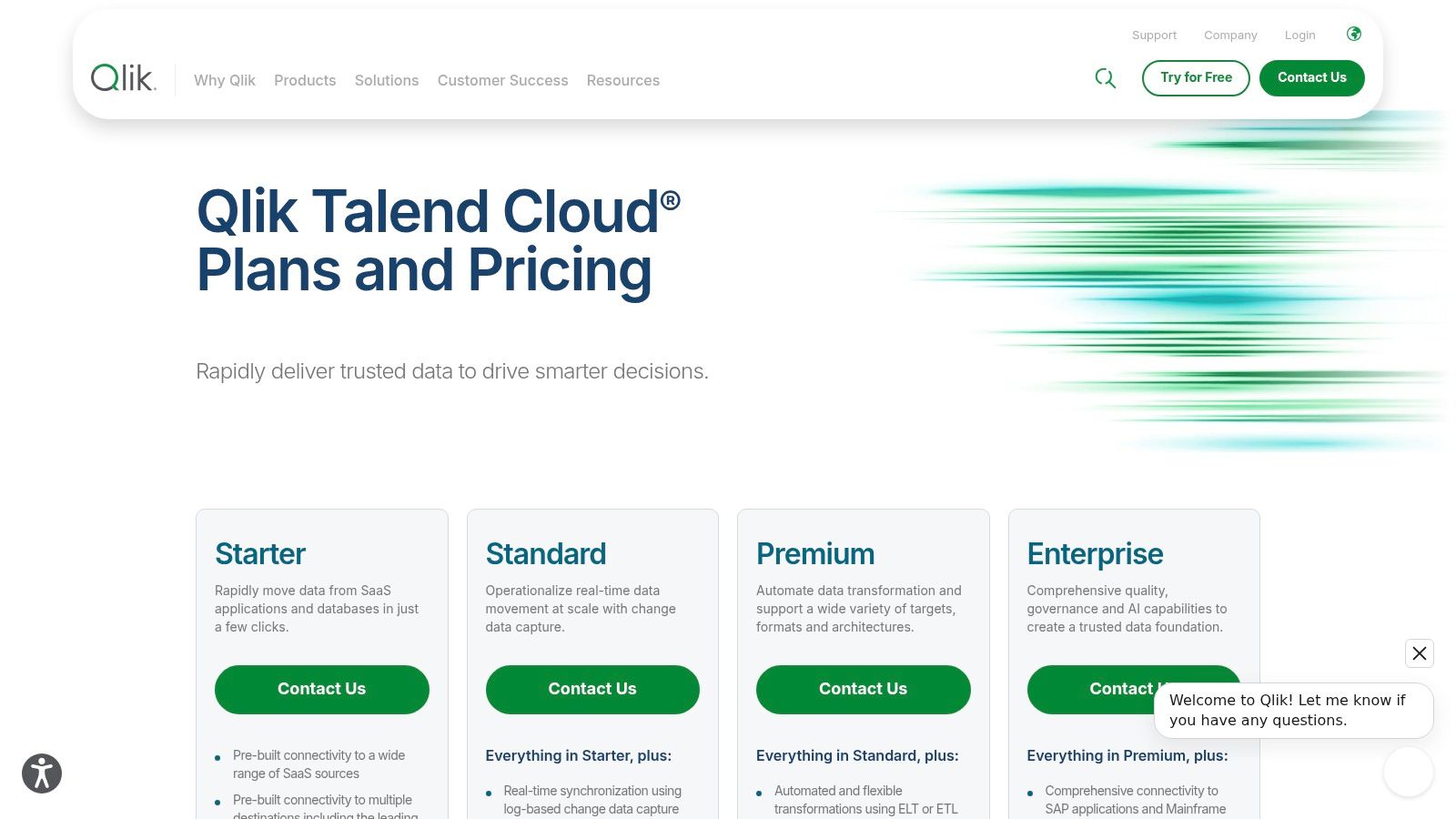
Qlik Talend Cloud sits between a loader and a full governance suite, and that middle ground suits a lot of heterogeneous estates. It combines Qlik's data movement with Talend's integration, quality, and governance tooling. Depending on tier, you get data movement from cloud and on-premises sources, change data capture, transformation for cloud warehouses and data marts, plus profiling, data quality, stewardship, and lineage.
CDC deserves emphasis. Replicating only inserts, updates, and deletes keeps operational data current without re-copying entire tables every night. For production or quality data that feeds same-day decisions, that's the difference between a dashboard people trust and one they route around.
Where the Tier Decision Bites
Advanced capabilities sit in higher tiers, so your evaluation has to map each hard requirement, CDC, lineage, stewardship, hybrid or client-managed deployment, to a named edition before anyone talks price. Teams get burned when a proof of concept runs on a higher tier than procurement later buys.
Best fit: You need replication plus genuine quality and governance tooling, across mixed cloud and on-premises sources, from one vendor.
Watch-out: There's no simple fixed subscription price on the U.S. plan page, since tiers are capacity-based and priced through Qlik. That isn't disqualifying, but it means your business case depends on a quote built from measured volumes, not a web estimate.
6. Fivetran
Fivetran makes a narrow promise and keeps it. Managed connectors replicate supported sources into analytics destinations so your engineers stop maintaining ingestion code. If your bottleneck is a small data team spending its week fixing broken API extracts instead of building models, that trade is often worth paying for.
The catch sits in the pricing unit. Fivetran charges on monthly active rows, so cost follows how much your source data changes, not how many pipelines you meant to build. A busy transactional system with constant updates can produce a bill nobody forecast from table sizes alone. Run the free plan within its stated limits against a busy source, not a quiet test database, and watch MAR accumulate for a full business cycle.
Context supports the managed approach when discipline exists. In findings reported in the Fivetran 2025 Insights Report, 87% said the return on investment from data centralization met or exceeded expectations, even while 45% cited limited automation or self-service as a problem. Managed ingestion attacks that automation gap directly.
Best fit: Warehouse-first analytics teams that want ingestion handled and will do transformation downstream.
Watch-out: Fivetran moves data. Broader orchestration, application automation, and operational syncs need other tools, so don't let a successful warehouse load expand its job description.
7. Airbyte
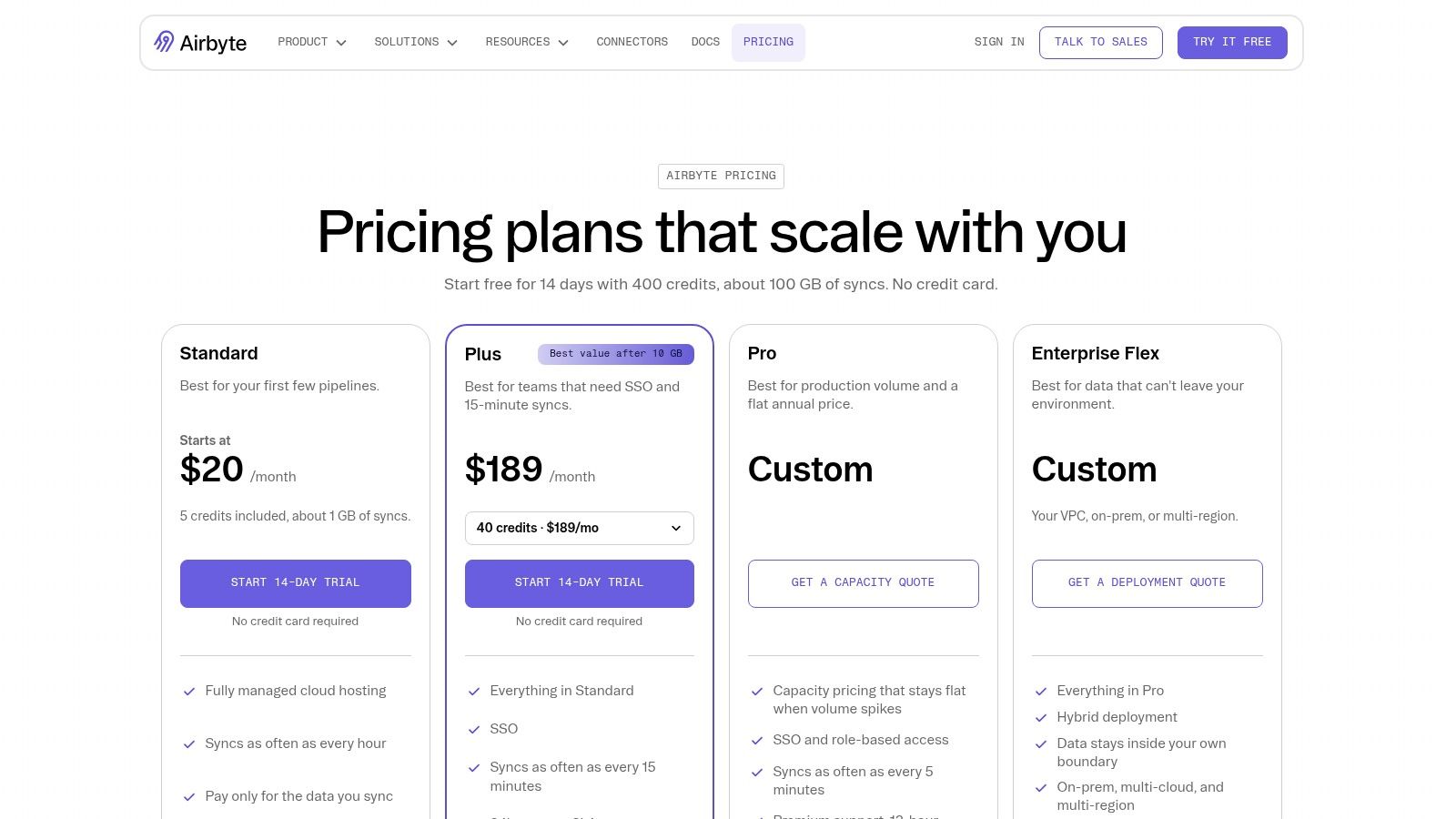
Control over where data movement runs is Airbyte's strongest card. Airbyte Core can be self-hosted on your own infrastructure, which matters when security policy, data residency, or plant network boundaries rule out a vendor cloud touching raw operational data. Managed cloud and hybrid options exist for teams that want the connector model without running the platform, and Enterprise Flex supports in-boundary and hybrid deployment patterns.
That flexibility creates a genuine fork. Self-hosting removes per-row vendor charges but makes your team responsible for upgrades, scaling, availability, and connector troubleshooting at 2 a.m. Managed plans shift that burden back, priced through volume-based credits, while capacity-based enterprise pricing can steady budgets for workloads whose volume swings month to month.
Self-hosting isn't free. It's a decision to pay in engineering hours and on-call responsibility instead of subscription fees. Price both honestly.
Best fit: Engineering-led teams that need deployment control, want an open-source core they can inspect and extend, and can staff platform operations.
Watch-out: Credit consumption varies by source type and usage, so prototype your heaviest sources before forecasting. And if nobody on your team wants to own infrastructure, don't choose the self-hosted route for ideological reasons. An unmaintained integration platform becomes the least reliable system in the estate, and every downstream report inherits that unreliability.
8. Matillion Data Productivity Cloud
Warehouse-centric teams evaluate Matillion Data Productivity Cloud for a specific workflow. Load data into a cloud analytics platform, then transform it there with ELT patterns that use the warehouse's own compute. Matillion builds its pipelines and data operations tooling around that model, rather than treating transformation as somebody else's problem after delivery.
Two details matter for ownership. Git integration lets pipeline changes follow normal software development practice, with version history and reviewable changes instead of anonymous edits in a visual designer. For teams with audit or change-control obligations, that's a substantive advantage, not a developer luxury. Pricing, meanwhile, is credit-based and pay-as-you-go rather than one universal monthly subscription.
- Budget test: Run representative pipelines at real volumes and record credit burn per workload.
- Coverage test: Verify every required connector, target, and transformation pattern against your actual source list.
Best fit: Teams standardized on a modern cloud warehouse that want loading and transformation in one workflow, with engineers who value Git-based change management.
Watch-out: Credits are only part of the bill. Warehouse compute consumed by pushdown transformations lands on a separate invoice, so total cost per pipeline means adding both. Teams that model only Matillion credits understate run costs and then blame the tool at renewal.
9. AWS Glue
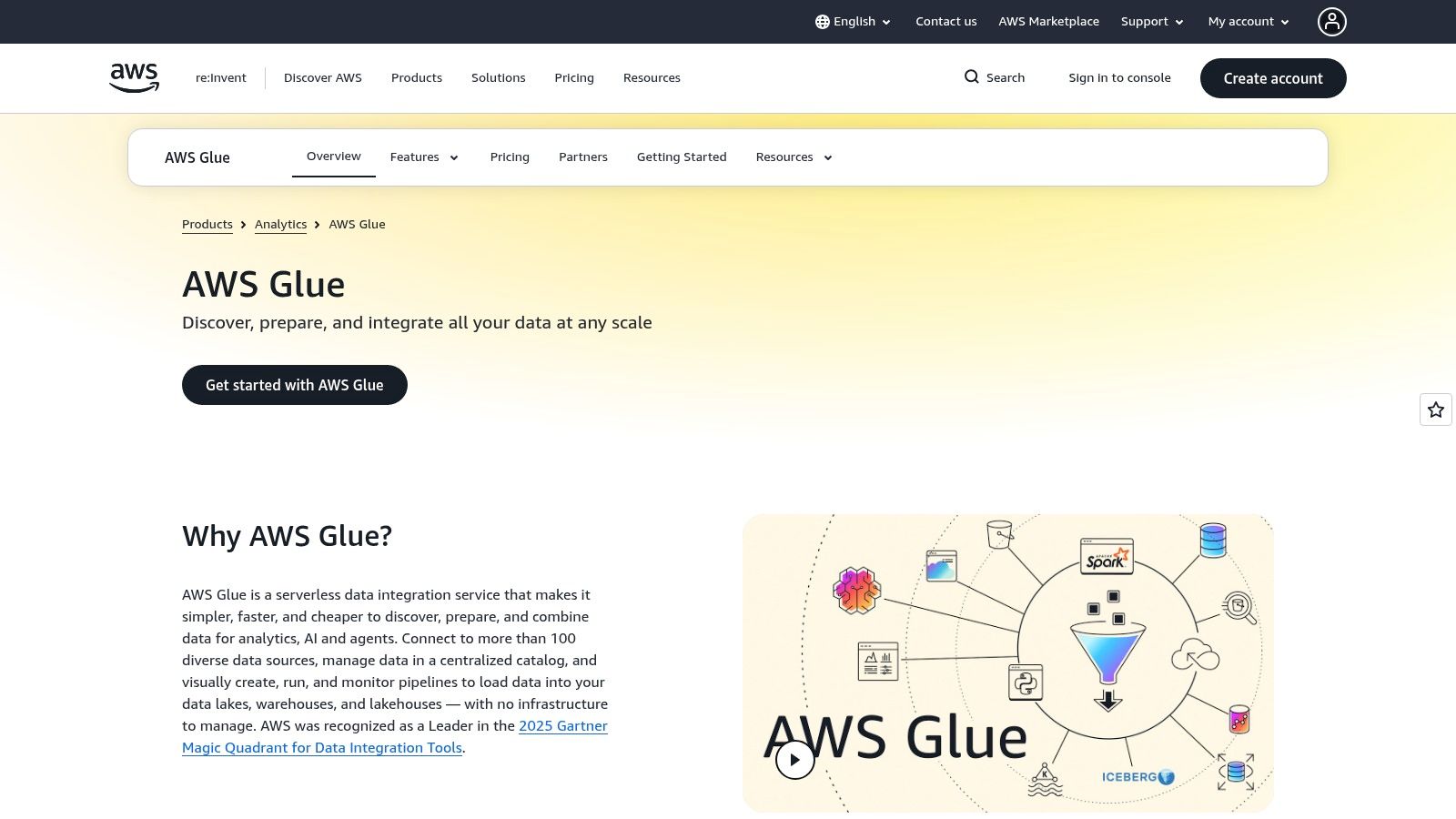
Inside an AWS estate, AWS Glue is less a product purchase than a default you should consciously accept or reject. Glue provides managed ETL jobs and crawlers for discovering, preparing, moving, and integrating data, and its Data Catalog organizes technical metadata across sources. When your data already sits in S3 and feeds Redshift, Athena, or Lake Formation, that native wiring removes a layer of cross-vendor plumbing.
Data quality capabilities for flagging missing or stale data add operational value, because silent staleness is how dashboards lose credibility. Usage-based pricing scales with job execution instead of a fixed platform subscription, and AWS publishes pricing examples and region-aware information, which makes modeling more concrete than quote-only vendors allow.
The Boundary Question
Glue's strength is also its limit. The further your estate spreads across Azure, Google Cloud, and on-premises systems, the more Glue becomes one tool among several rather than the integration layer. That sprawl has a measurable pattern. Gartner research cited in IBM's 2025 Gartner Magic Quadrant announcement estimates approximately 70% of organizations use multiple data-integration tools and about half use at least three.
Best fit: AWS-centric data estates that want serverless ETL tied tightly to native storage, analytics, and governance.
Watch-out: Job resources and runtime drive cost, and related AWS services bill separately. Tag jobs by workload from the start or cost attribution becomes guesswork.
10. SnapLogic
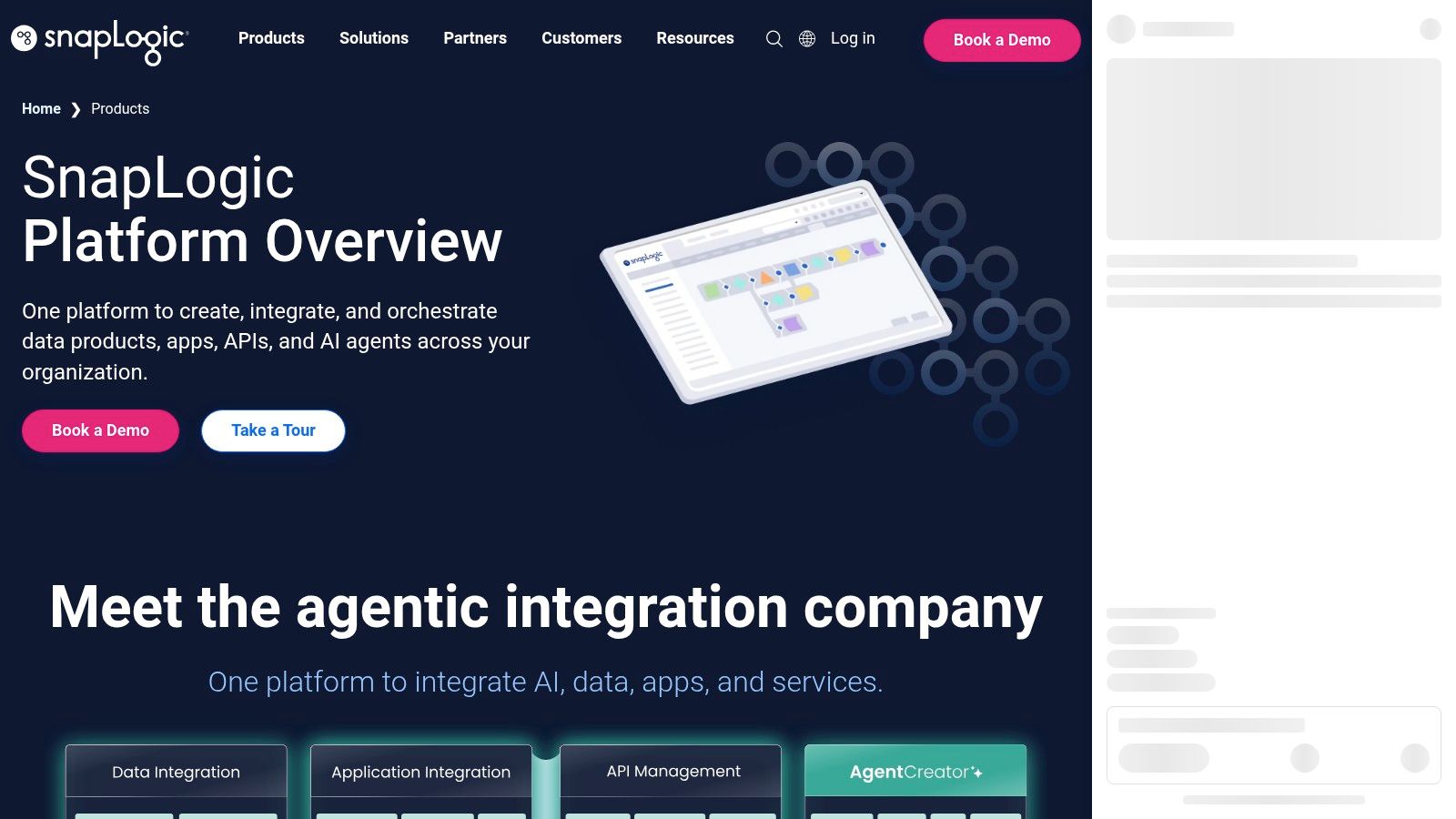
Some organizations need data pipelines and application integration in one place, and for them SnapLogic is a rational shortlist entry. It combines visual ETL and ELT, reverse ETL, application integration, API management, and workflow automation across cloud, on-premises, and hybrid environments. Pipelines are assembled from prebuilt Snaps, and the platform includes tooling for pipeline design, testing, and lifecycle management.
Reverse ETL is worth separating from the feature list. Pushing modeled warehouse data back into operational applications, so a CRM reflects calculated account health, for example, is a different job from loading the warehouse. Buying one platform that does both can reduce vendor count, but only if the same team owns both directions.
Ownership test: Name the person who approves a pipeline change, the person paged when it fails, and the person who can retire it. If any answer is vague, platform breadth will amplify the confusion instead of fixing it.
Best fit: Enterprises consolidating data and application workflows, including systems behind a firewall, under one integration team.
Watch-out: Pricing comes through a quote, since public pricing isn't shown in the product information. Combine that with a wide feature set and the risk is buying platform scope your team never staffs. If your requirement is straightforward warehouse ingestion, a focused loader will cost less to run and teach.
How the 10 data integration platforms differ by deployment model, pricing approach, and best fit
| Item | Deployment model | Pricing approach | Best fit |
|---|---|---|---|
| Microsoft Fabric Data Factory | Cloud, multicloud, and hybrid within Fabric | Fabric capacity-based consumption | Organizations using Microsoft cloud and analytics products |
| Azure Data Factory | Managed Azure service with hybrid connectivity | Consumption-based; varies by activity, runtime, and data movement | Established Azure workloads and hybrid pipelines |
| Informatica Intelligent Data Management Cloud | Cloud data-management platform | Consumption-based Informatica Processing Units (IPUs) | Enterprises needing integration plus governance, quality, or master data management |
| Boomi Enterprise Platform | Cloud and hybrid | Pay-as-you-go option from $99/month plus usage; other pricing may vary | Organizations connecting diverse applications, APIs, and operational systems |
| Qlik Talend Cloud | Cloud, with hybrid and client-managed options | Capacity-based subscription tiers; contact Qlik for pricing | Teams needing data movement alongside quality, governance, or CDC |
| Fivetran | Managed cloud service | Monthly active rows (MAR); free plan within limits | Teams seeking managed connectors for analytics ingestion |
| Airbyte | Self-managed, managed cloud, or hybrid | Volume-based credits or capacity-based enterprise pricing | Teams wanting deployment flexibility and control over data movement |
| Matillion Data Productivity Cloud | Cloud-focused data operations | Credit-based, pay-as-you-go | Teams building ELT pipelines for cloud analytics platforms |
| AWS Glue | Managed AWS service | Usage-based, with costs varying by job resources and runtime | AWS-centric data estates using services such as S3, Redshift, or Athena |
| SnapLogic | Cloud, on-premises, and hybrid | Quote-based | Organizations needing data, application, API, and workflow integration |
Turn the Shortlist Into a Decision Your Team Can Defend
Start by deleting categories, not vendors. If the job is warehouse ingestion, governance suites and iPaaS products leave the list today. If the job is operational application sync, managed loaders leave. That single move usually cuts ten candidates to three, and it prevents the most expensive mistake in this market, which is buying breadth you'll never staff. Tool sprawl has a real cost, and so does the opposite error. Forcing one platform onto every pattern creates workarounds that nobody documents.
Then confirm your deployment boundary in writing. Which systems can't be reached from a vendor cloud. Which data carries export, customer, or regulatory restrictions. Which plants or sites must keep running if a central service fails. This isn't an abstract architecture exercise. A survey described in the Conduktor 2025 Data Streaming AI Survey Report of 200 senior IT and data executives in Europe and the United States found 86% struggle to integrate across different data-streaming platforms, with incompatible governance, access controls, and retention policies among the underlying friction. Adding a platform with yet another governance model makes that worse, not better.
Model cost at realistic volumes next, using each vendor's own unit. Monthly active rows, credits, IPUs, capacity, job runtime, and activity runs behave differently on the same workload. Take one busy month of source activity, including month-end peaks and backfills, and price it in every model on your shortlist. Cloud economics now dominate the category, since Mordor Intelligence's data integration market report put cloud deployment at 58.74% of global data integration market revenue in 2025. Consumption pricing is the norm you're budgeting inside, so forecast discipline is a core skill, not a finance afterthought.
Verify connectors against your critical sources, by name and version, and test the ugly cases. Schema changes, deleted records, late-arriving files, and permission failures are where pipelines earn trust. Assign ownership before go-live too. Every production pipeline needs a named owner for monitoring, exception handling, schema changes, and eventual retirement. Our own delivery work follows that logic. The first step is a Data Health Check, which audits data sources, quality, integration points, and current tooling, and the final step is production validation, team training, and documentation handoff, after which the platform runs independently with no ongoing dependency on Ryshe. Hold every vendor and services provider to that documented-handoff standard, in the contract, before the first pipeline ships.
If your shortlist is stuck because nobody has mapped your sources, quality problems, and deployment boundaries, start there instead of buying another license. Ryshe builds AI-ready data foundations with unified pipelines, governance frameworks, and quality controls for engineering, manufacturing, construction, and aerospace organizations, then hands over documentation your team owns. Visit Ryshe to talk through what a Data Health Check would surface in your estate before you commit to a platform.